Browse





···
Log in / Register
 7
7 Favourites
 Share
Share 2 Bayfront Ave, Unit 01/60/61/62 & B1-138/139/140, Singapore 018972
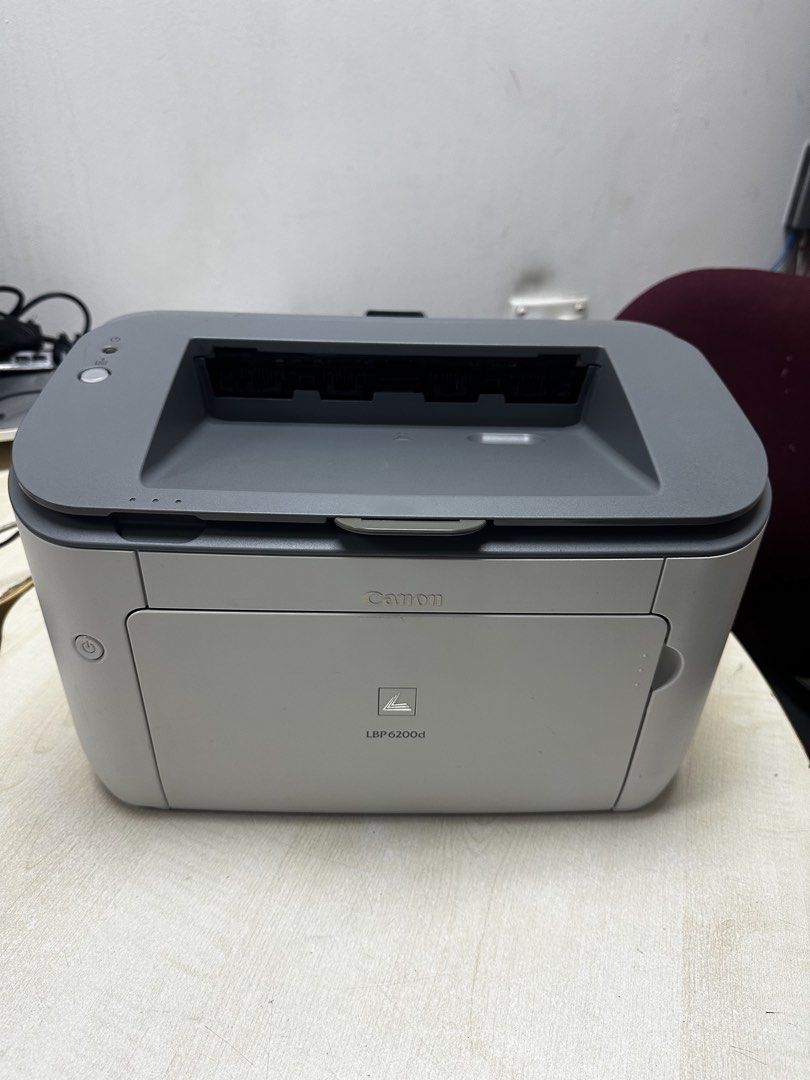
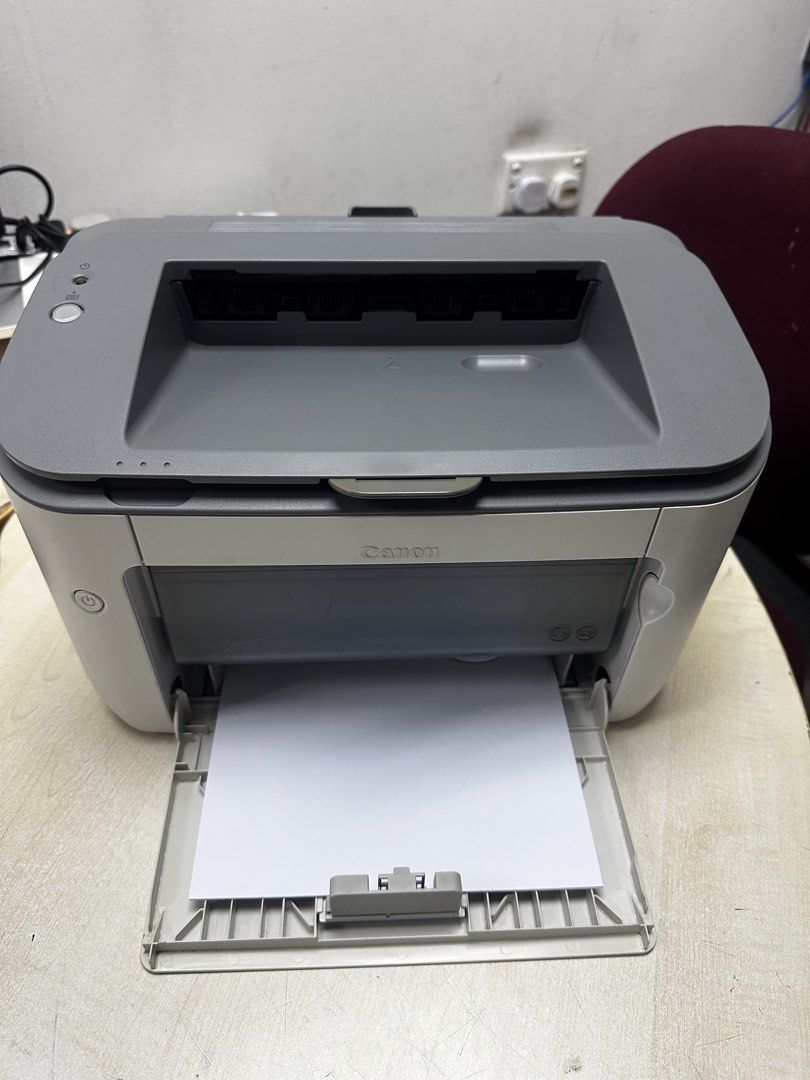
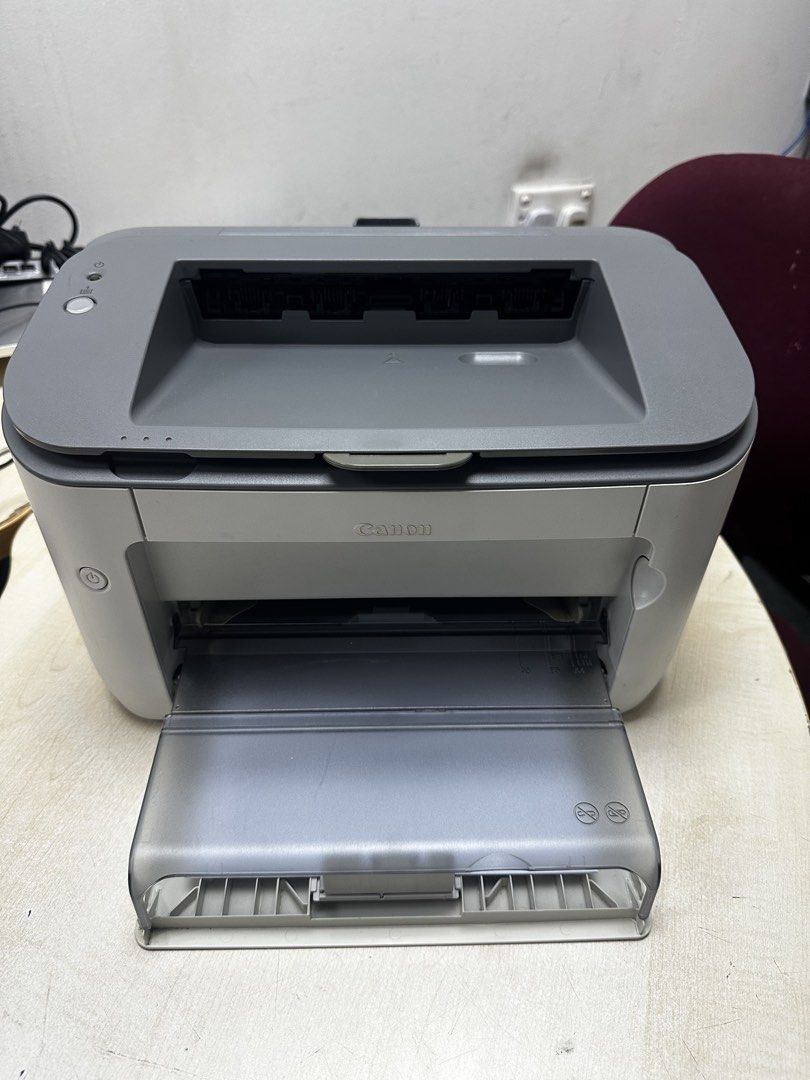
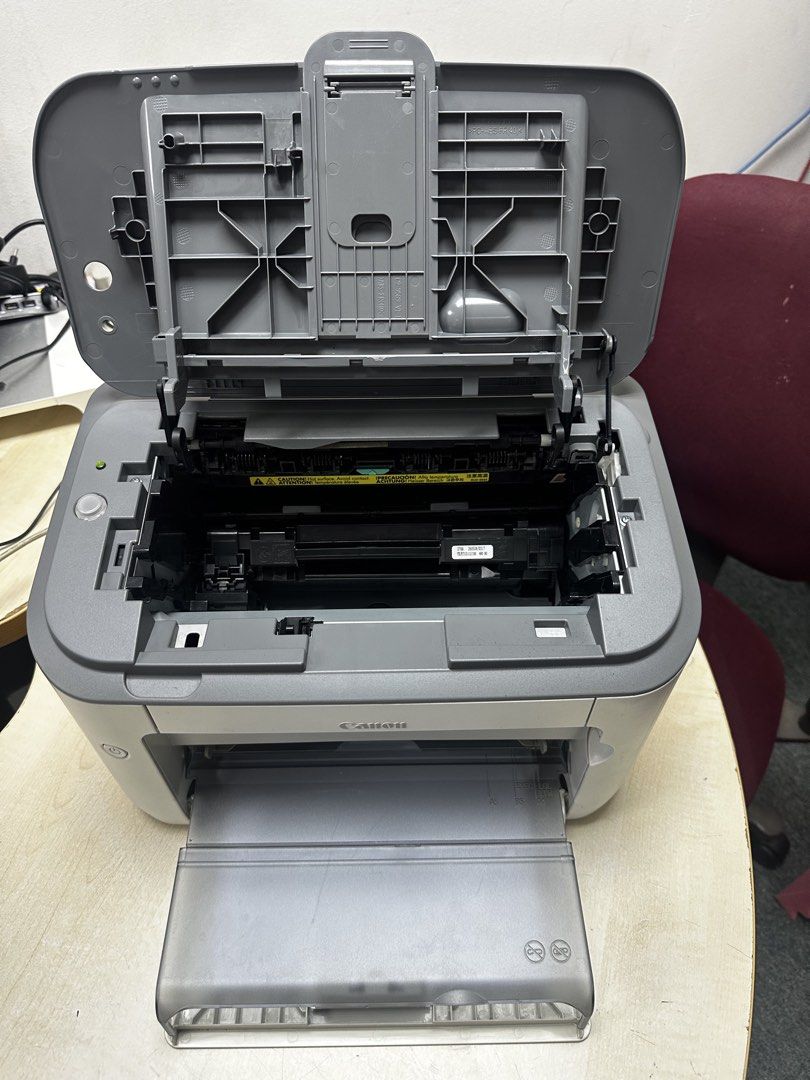
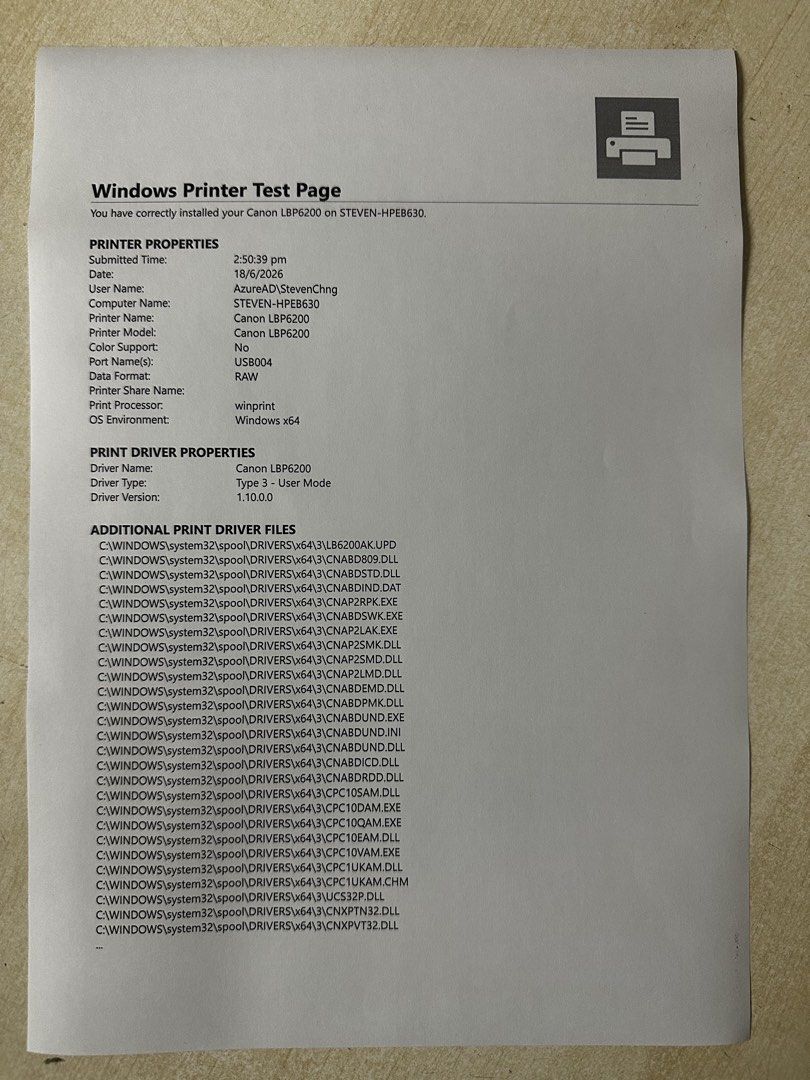
Working Condition Printer Print Black only Single or Double Side Printing. Connectivity: USB only. New Toner Cartridge just installed (2100 page yield base on 5% coverage). Tested on Window 11 refer to page no.5 Printer on MS word print refer to page no.6 & 7 Printer come with Power Cord. Printer is sold in as-is condition. Strictly no return or refund so please ask to test the printer before you confirm your purchase. Installation and transportation not inclusive. Price Negotiable Key Features • Compact Design: Its small footprint allows it to fit comfortably on a desktop or small workspace. • Fast Print Speed: Capable of high-speed monochrome printing, with a first print out time of around 6 seconds. • Automatic Duplex Printing: Prints double-sided documents automatically right out of the box, reducing paper usage and increasing efficiency. • High-Quality Output: Uses Automatic Image Refinement technology to produce sharp text and detailed graphics, even at low resolutions. • Single Cartridge System: Features a convenient all-in-one toner, drum, and development unit that is easy to replace. • Canon Advanced Printing Technology (CAPT): Compresses print job files on the computer, allowing the printer to process them more efficiently. Overview:- The Canon LBP6200d is a compact, monochrome laser printer known for its fast print speeds and reliable performance, making it a good choice for home and small offices, especially those that need to print double-sided documents without additional cost. It features Canon's proprietary printing technologies, delivering crisp text and graphics with its Automatic Image Refinement technology and a single cartridge system that combines toner, drum, and development unit for easier maintenance. While its initial cost and running cost per page were noted as higher than some competitors at its launch, its space-saving design, built-in duplex printing, and quick start-up time offered strong value for those prioritizing speed and efficiency over long-term cost. For more detail information refer to the link below:- https://media.canon-asia.com/shared/live/products/VN/LBP6200d.pdf For Printer Driver refer to the link below:- https://sg.canon/en/support/LASER%20SHOT%20LBP6200d/model
 Show map