Browse





···
Log in / Register

 Favourites
 Share
Share 2 Bayfront Ave, Unit 01/60/61/62 & B1-138/139/140, Singapore 018972
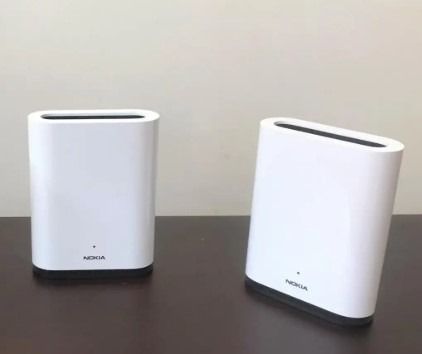
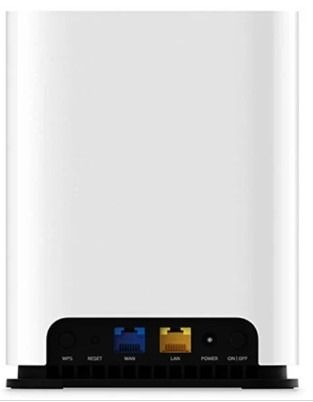
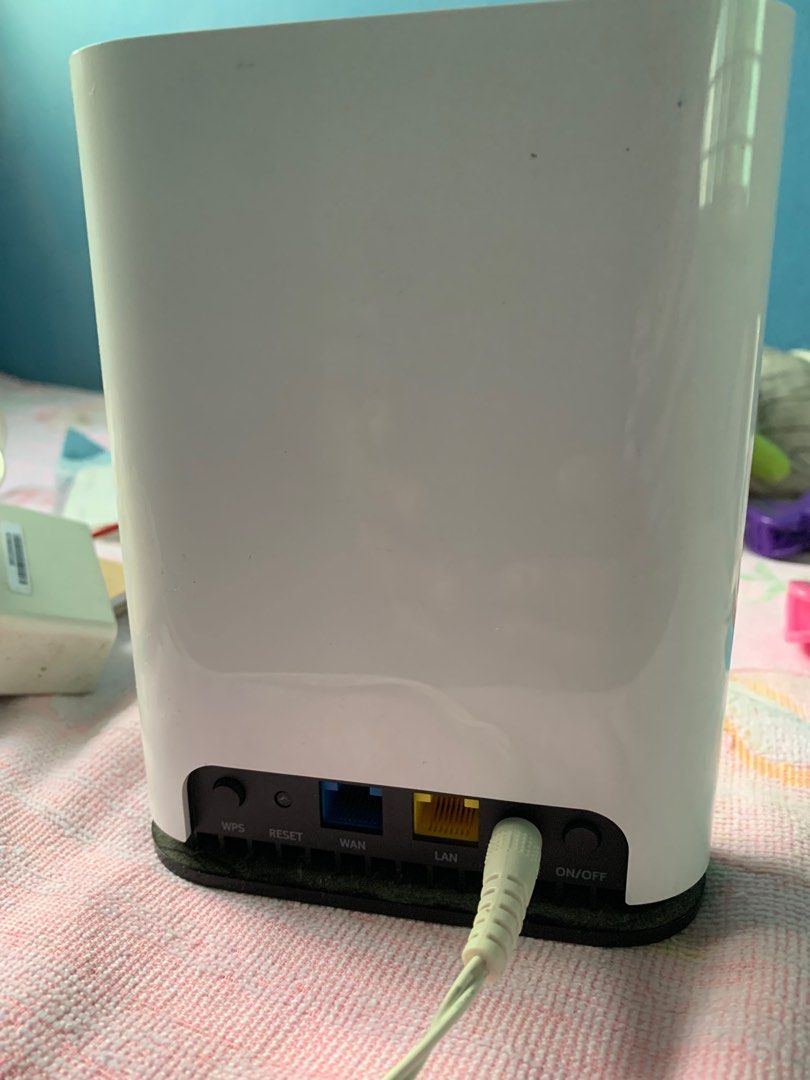
The Nokia Beacon 1 comes sealed but upon opening, the protective cover of the Beacon 1 unit is loose. The StarHub Product Manager informed me that they tested the first batch to make sure all are in working condition, so rest assured these are not refurbished units. There was also no custom firmware installed, so the units can be used with any service provider, though I’m not sure if there are any peculiar setup by other broadband providers which causes compatibility issues. For instance, Google WiFi could not work with SingTel Broadband due to VLAN tagging. Setting up takes about 10 minutes, just install Nokia WiFi smartphone app and follow the on-screen instructions. If your smartphone comes with intelligent WiFi feature (which will switch from WiFi to mobile data automatically when no Internet traffic is detected), please disable it because the smartphone must connect to the Beason 1’s node directly to configure. One way is to disable mobile data before starting the setup, or if you find the setup is not progressing at the Beacon detection stage, manually reconnect to the Nokia Beacon 1’s Wi-Fi network. https://www.pcmag.com/reviews/nokia-wifi-beacon-1-mesh-router?test_uuid=02LlF0iWKsilxYTJVF8uH5y&test_variant=B
 Show map