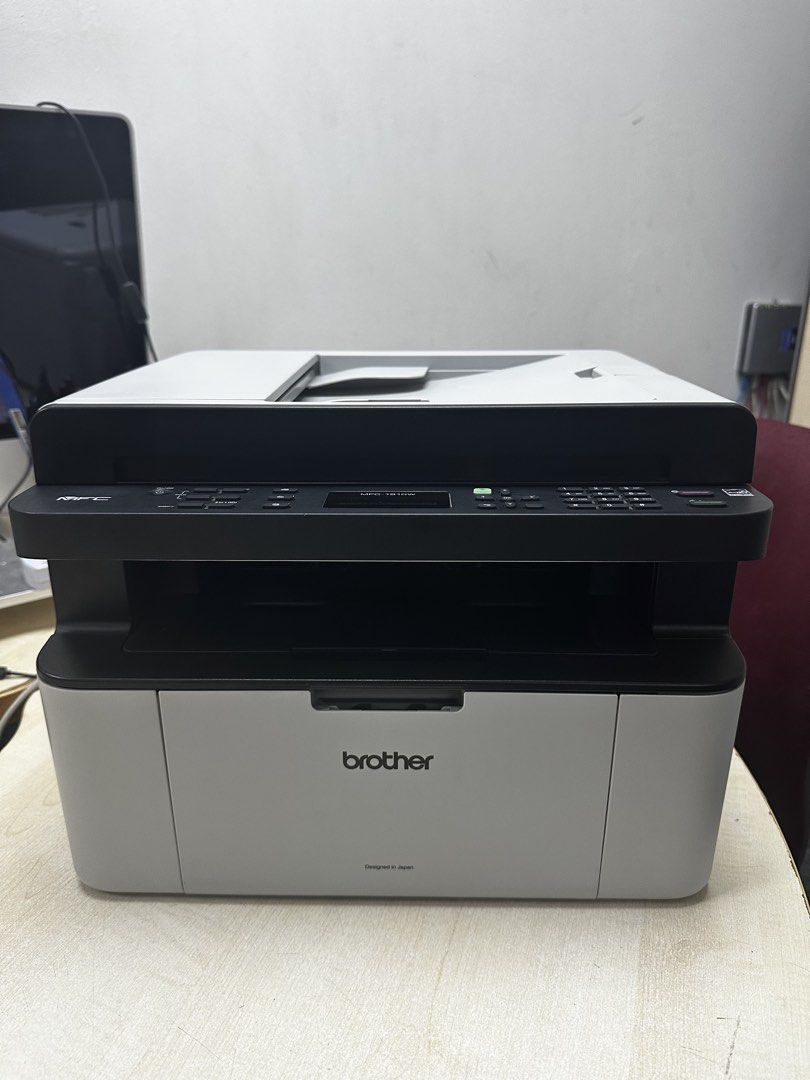
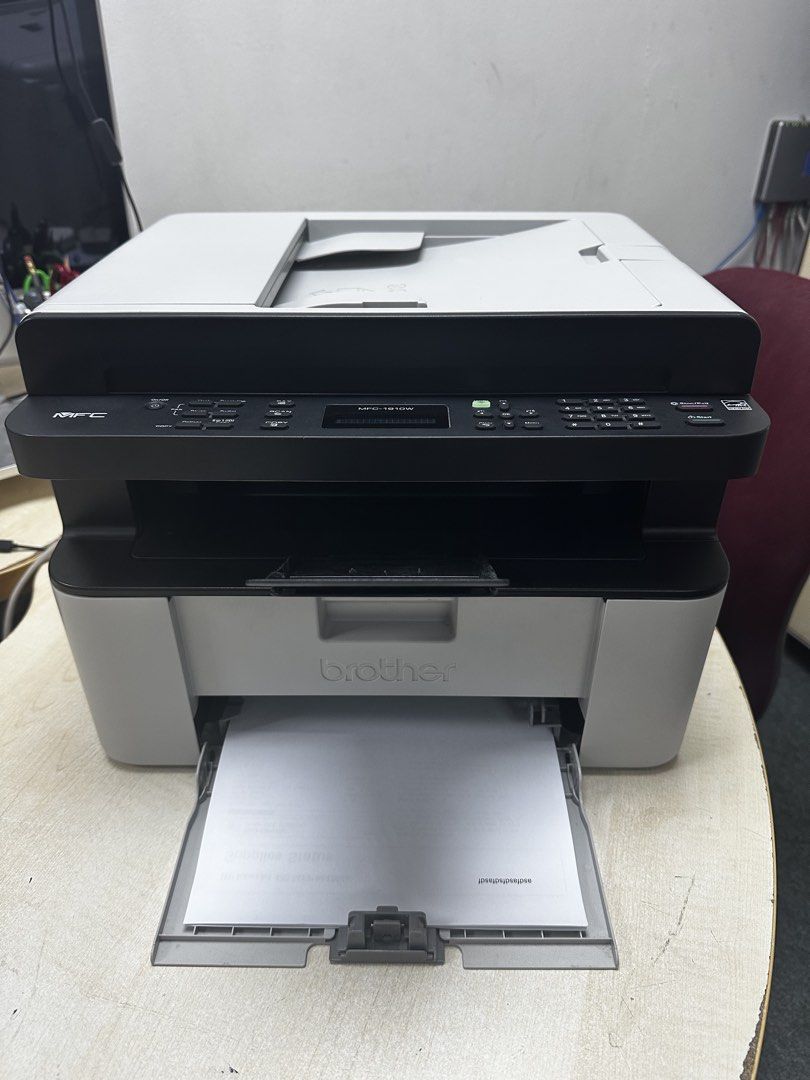
Brother MFC1910w Multi-Function Wireless Printer
Basic Info
Description
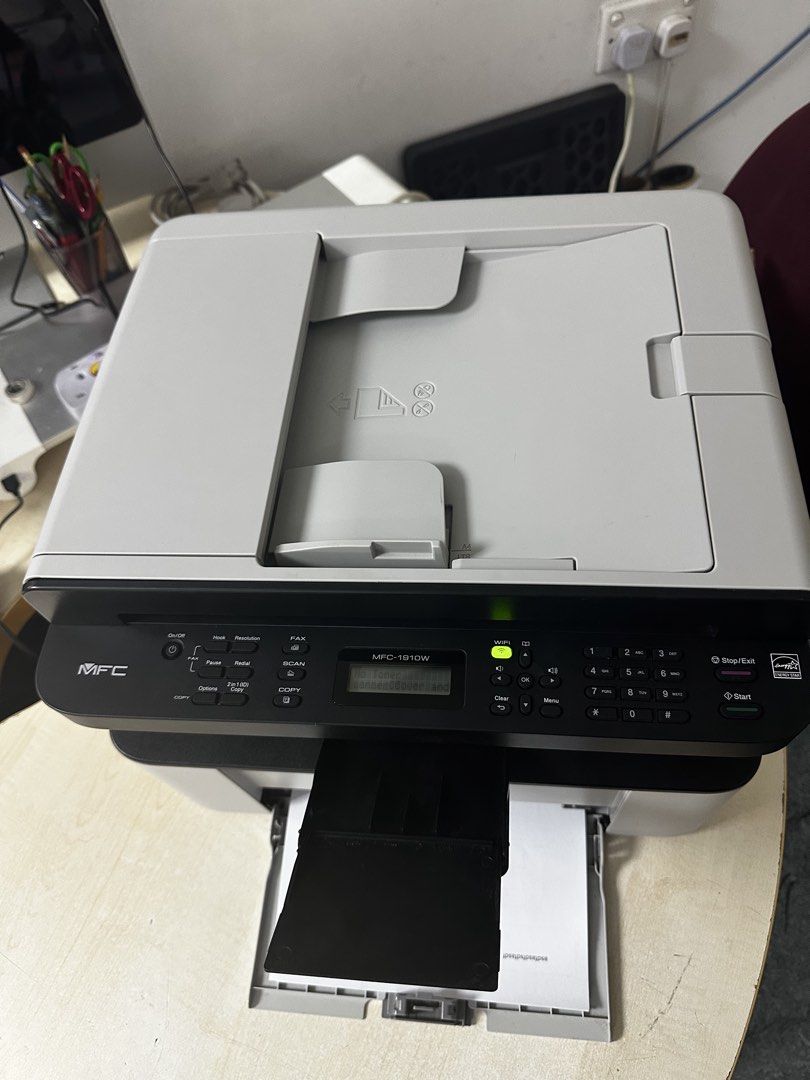
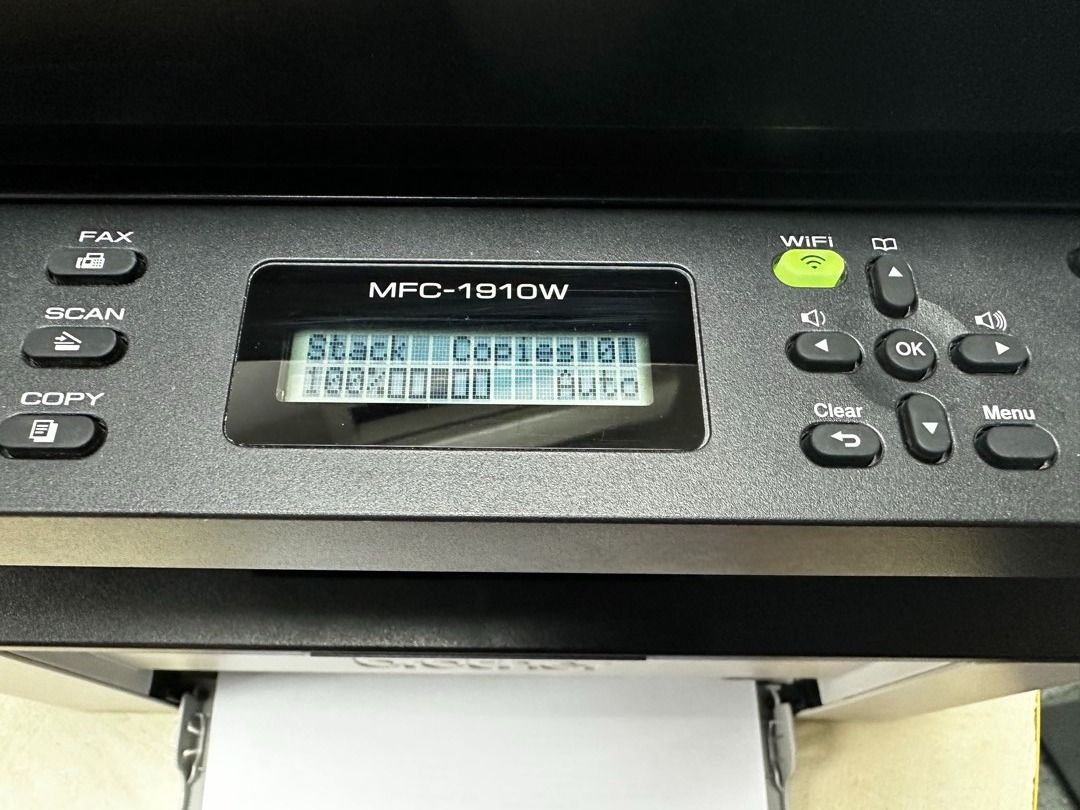
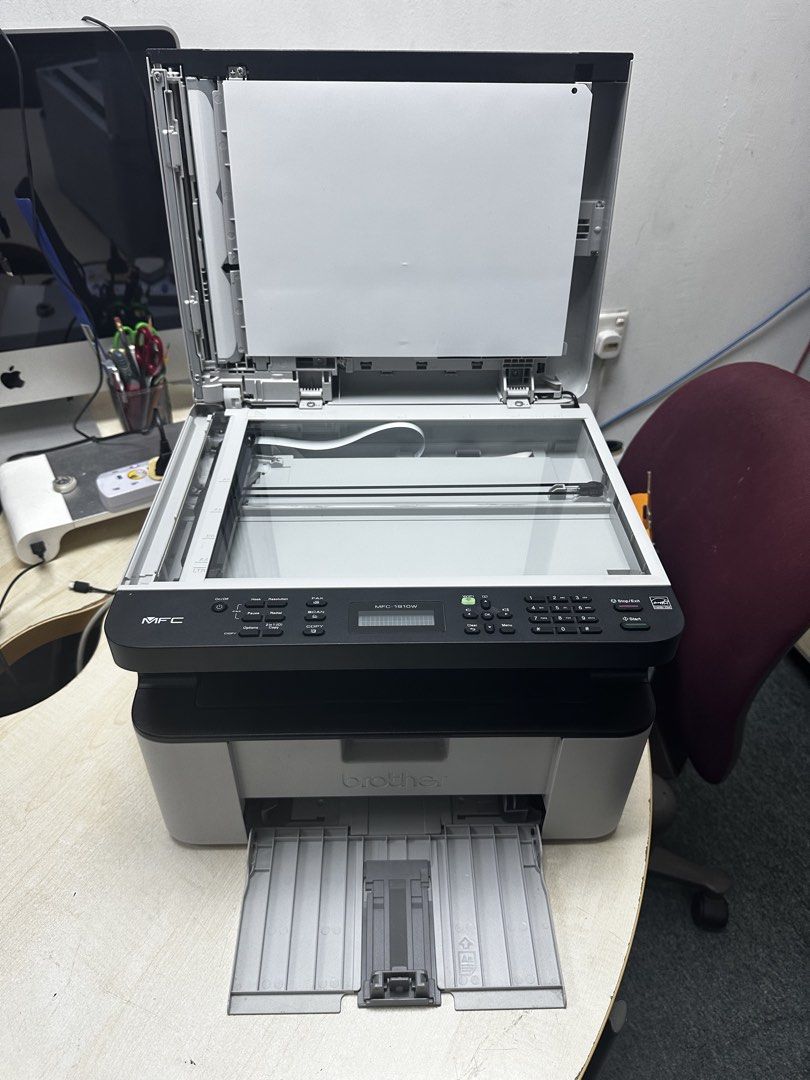
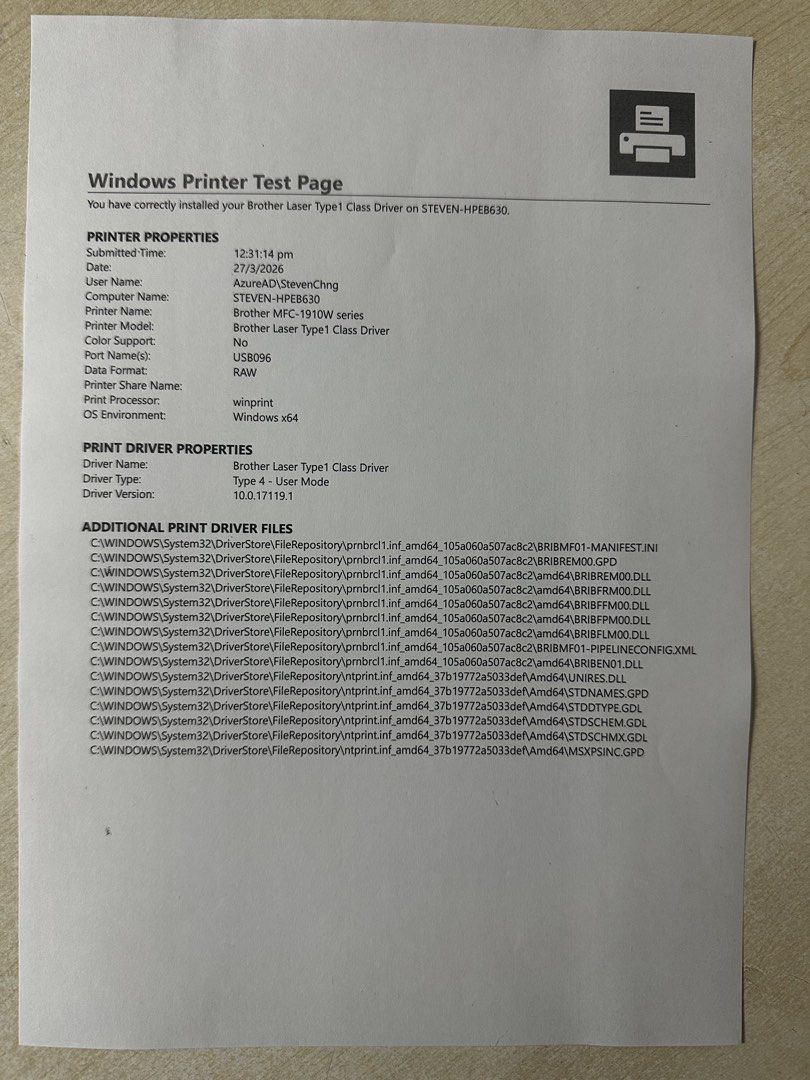
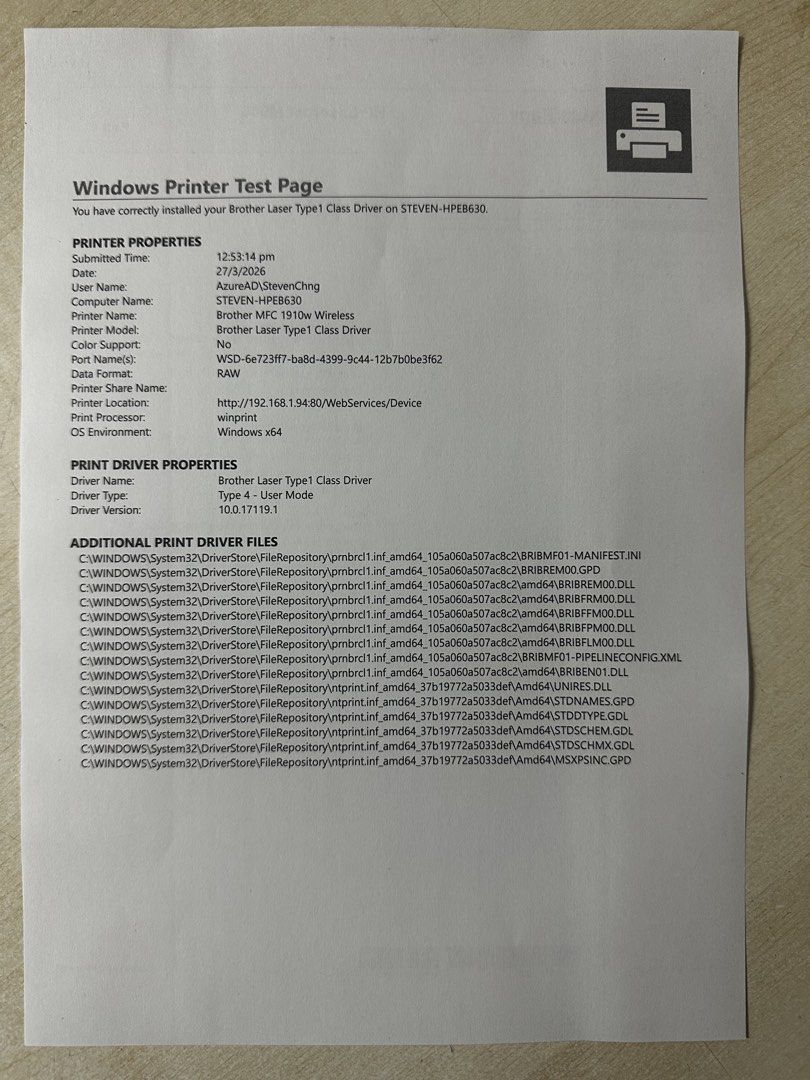
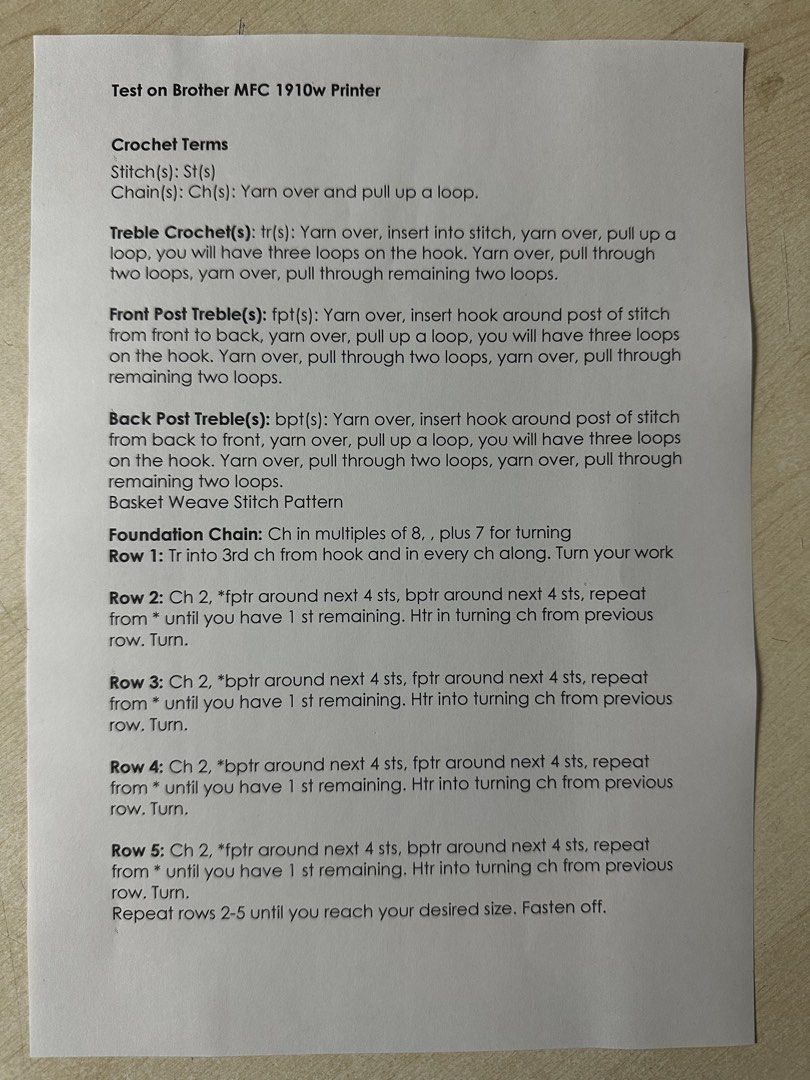
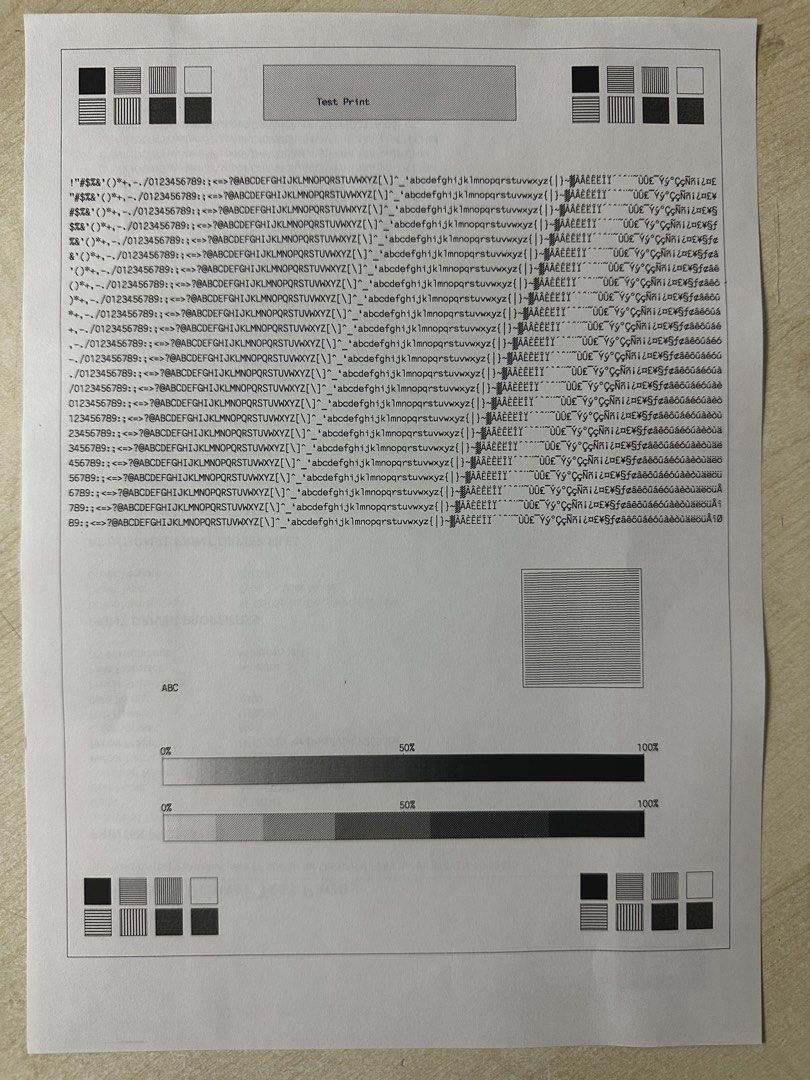
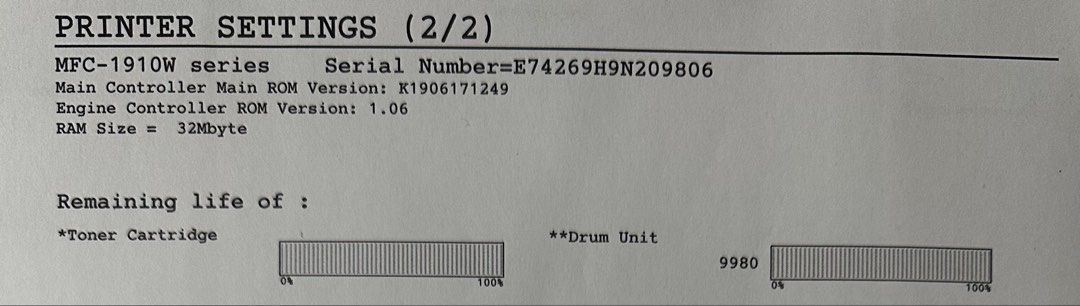
Still a selling model. Working Condition. Printer Maintenance was done. Printer able to Print Black Only. Printer able to Print/Scan/Copy & Fax. Connectivity: USB, Wifi Direct & Wireless Network. Apps Support:- Apple AirPrint, Brother iPrint&Scan, Goggle Cloud Print & Mopria Print Service. 100% Toner Cartridge & Drum Kit Life refer to page no.10 Tested on Window 11 refer to page no.6 (via USB) & 7 (via Wireless) Printer on MS word print refer to page no.8 Printer come with Power Cord. Printer is sold in as-is condition. Strictly no return or refund so please ask to test the printer before you confirm your purchase. Installation and transportation not inclusive. Price Negotiable Overview:- The Brother MFC1910W is a multi-function, mono laser device. Combining the full set of print, copy, scan and fax features with an ADF (Automatic Document Feed) module for good measure, this All-in-One unit offers users a choice of USB or Wi-Fi connectivity when adding this product to a computer and/or local network. Predominately computer grey in colour apart from a black panel section running across the front of the product, the MFC1910W has dimensions of 385 x 340 x 283mm (W x D x H) and weighs 8.2kg. Following the standard pattern, the MFC1910W has an A4 flatbed scanner mounted on top of the laser printer with the ADF unit built into the scanner’s cover. All the various control options are situated on the front of the unit with Ethernet, power and USB connection at the rear. The printer’s main paper input is from an open tray positioned on the front and base of the unit. This tray has a capacity of 150 sheets and can handle sizes that include A4, letter, legal, and folio. Once drawn into the unit, the paper then embarks on a U-bend path before emerging from an opening just below the scanner module. This paper output opening does contain a fold-away flap to help ensure that printed documents are not scattered all over the place. A protruding lip, just above the paper output opening, contains the unit’s control panel. A centrally positioned LCD screen provides feedback information as you make selections from the various options found in the unit’s menu system. To the left of the screen are buttons for power, fax, scan and copy functions. On the right side there is an area containing menu navigation features and a button to activate the unit’s Wi-Fi capability. This button will glow to indicate when a Wi-Fi connection has been established and ready for use. Completing the control panel is a telephonic alphanumeric pad and buttons to stop and start actions. Based on a 14,400bps modem, the Fax feature allows for both manual and automatic dialling when sending messages. Up to 99 speed-dial numbers can be created for individual or broadcast type spendings. Incoming faxes can be saved in memory and sent to a computer for storing and / or reading. The A4 flatbed scanner, mounted on top of the unit, delivers a resolution of 600 x 1200 optical or 19200 x 19200 interpolated with 24-bit colour or 8-bit greyscale. When communicating with a computer, the scanner offers both TWAIN and WIA compliant options. The scanner can also deliver content direct to the printer unit as it acts in photocopy mode either with single sheets or up to 10 multiple sheets with the assistance of the ADF module. Photocopy mode does restrict the output to greyscale with scans to a computer being in full colour. A scan of an A4 coloured document was printed in greyscale within 17 seconds. An eight-page text document was fed through the ADF module to produce a photocopy in 121 seconds. When printing from a computer using the supplied print driver, you have a choice of three print qualities defined as 300dpi, 600dpi and HQ1200dpi with options to select graphics, text or manual options. For detail information of the printer refer to the link below:_ https://www.brother.com.sg/en/products/all-printers/printers/mfc-1910w https://www.brother.eu/-/media/product-downloads/devices/printers/mfc/mfc1910w/ie/mfc-1910w.pdf?rev=107f121a988d401c9bf61d86bfe250b3&hash=4BFDDD5DAD38A3C58D60170AC718D496DEE59373 For Printer driver refer to the link below:- https://www.brother.com.sg/en/support/mfc-1910w/downloads For User manual refer to the link below:- https://www.brother.com.sg/en/support/mfc-1910w/manuals
Posted by

carousell
carousell